Shared team context
Shared AI memory for teams: what to save and what to verify
Decide what belongs in shared AI memory, what needs a maintained reference, and which facts must be checked in live sources.
What belongs in shared AI memory?
Shared AI memory is useful for durable preferences, decisions, and project context. Keep critical instructions in maintained references and retrieve fast-changing facts from their current sources.
Shared AI memory helps a team carry useful context from one conversation into the next. That context might be a reporting preference, the reason behind a decision, or a recurring way of working. It can reduce the need to explain the same background every time someone starts a new task.
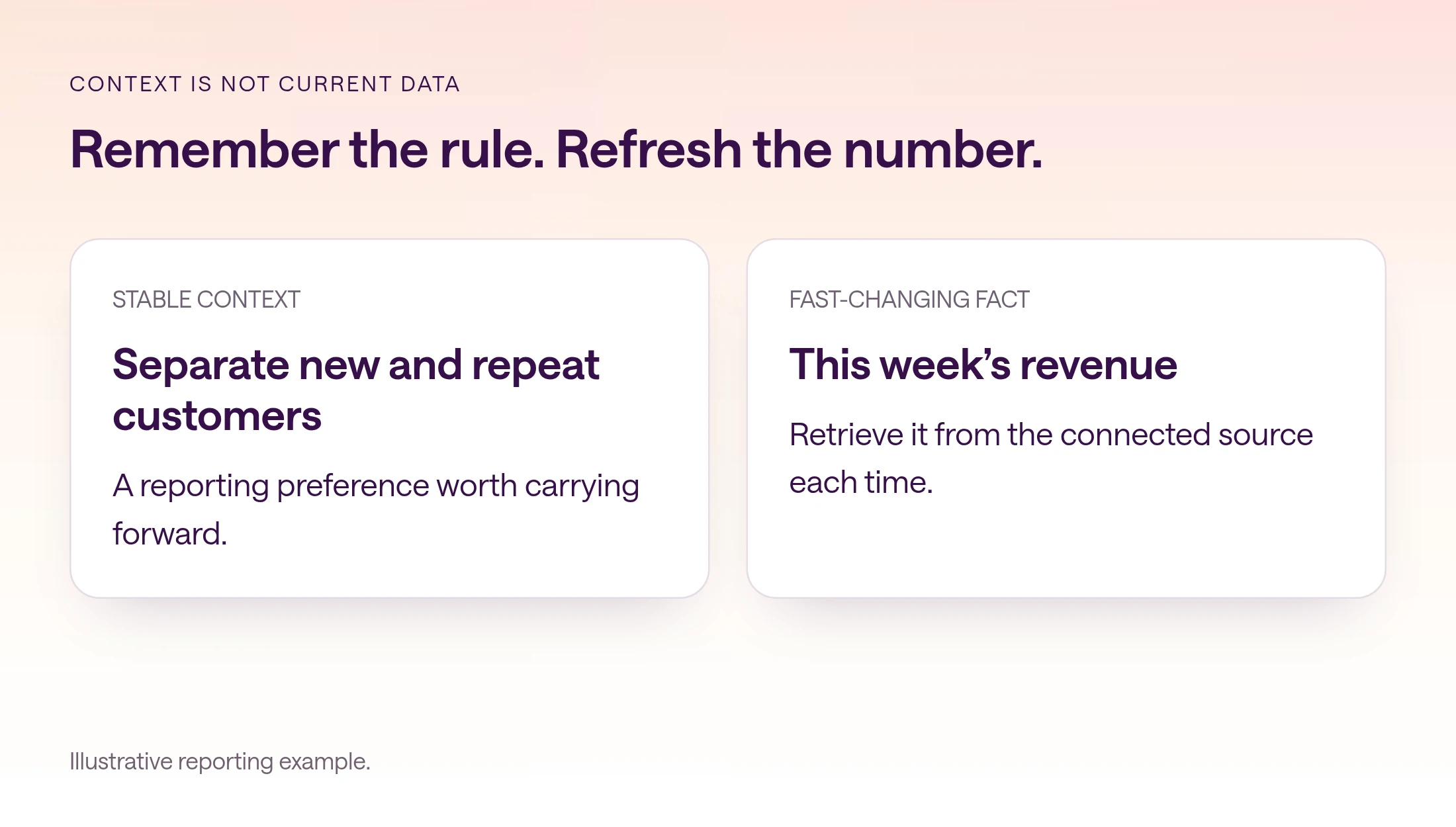
Memory needs a clear boundary. A remembered preference can guide a report. Today's revenue should come from today's source data. A previous conversation may explain why a campaign was paused, but it does not establish whether the campaign is still paused now.
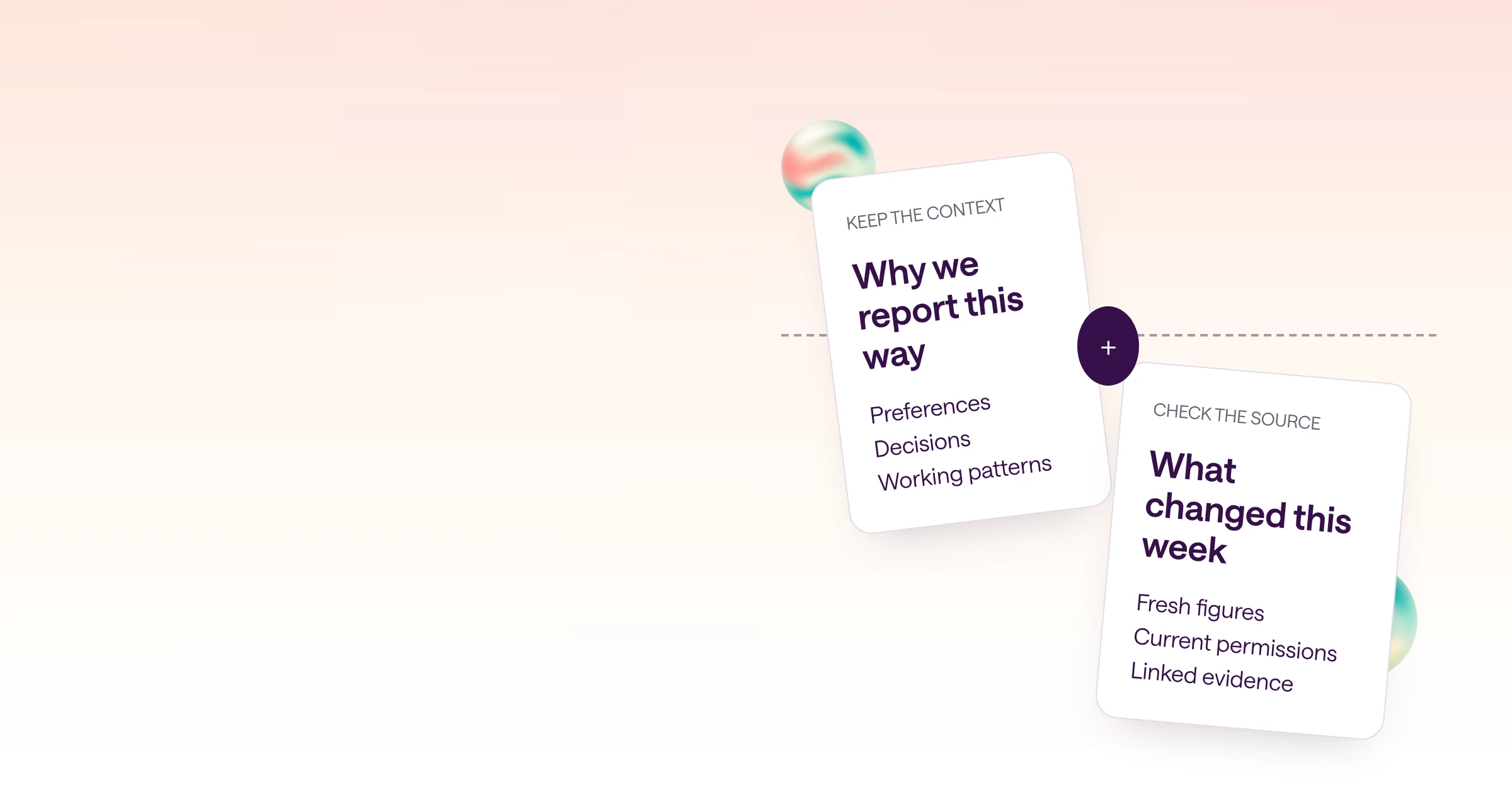
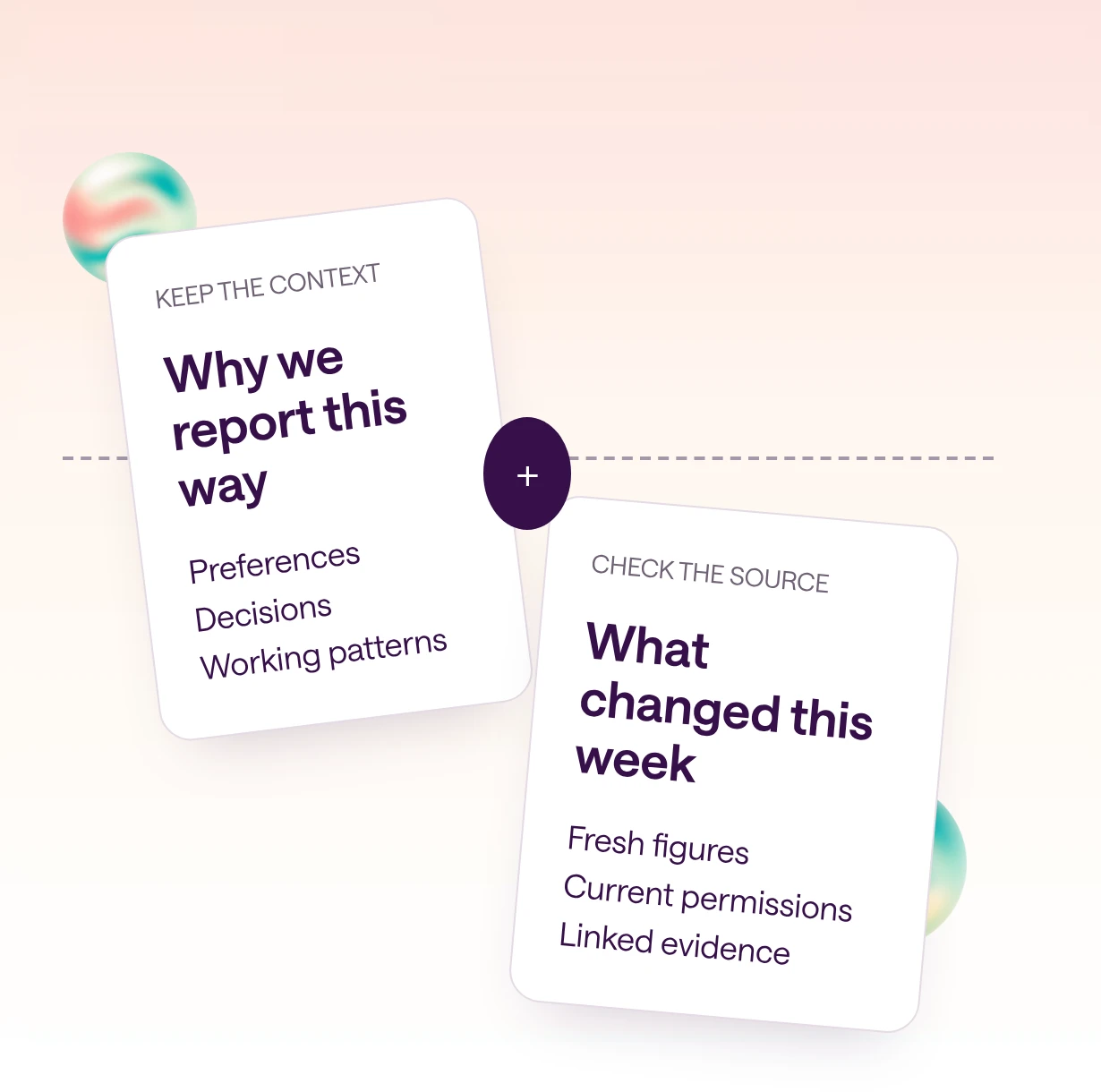
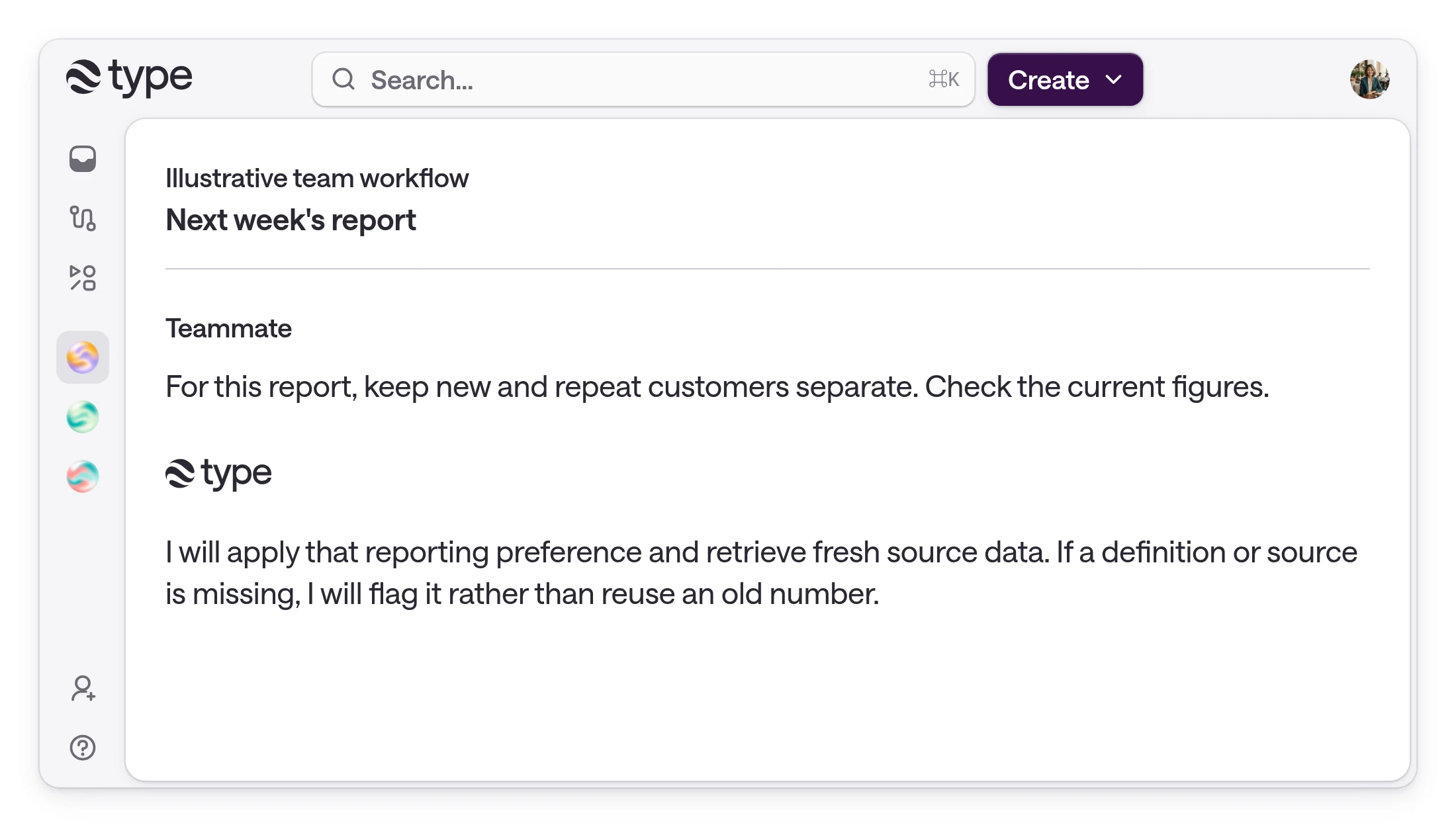
Consider an illustrative team that reports new and repeat customers separately. The preference is durable context. The exact definitions should live in a maintained reporting reference. This week's customer counts belong in the current source system. Keeping those three pieces distinct makes the report easier to check and easier to repair when something changes.
How do you separate instructions, context, and current facts?
Before asking AI to remember something, decide what kind of information it is and where the authoritative version belongs.
When an AI answer goes wrong, 'it needs more memory' is not always the diagnosis. A missing business definition needs an explicit reference. An old campaign budget needs a fresh read. A missing decision rationale needs a decision record. Treating every gap as a memory problem makes each of those failures harder to see.
Give durable decisions a small record: what was decided, why, who owns it, and when it should be revisited. The memory can help surface that context later. The record gives a person somewhere to verify it. For an important recurring process, do not depend on the AI choosing to preserve every relevant sentence.
Classify sensitive information separately. A personal discussion can be useful in its original private context without belonging in a wider team's work. Ask who should be able to use the information before asking whether it would be convenient to remember.
| Information | Primary home | How to use it later |
|---|---|---|
| How to prepare a weekly report | Maintained workflow instructions | Follow the current approved method |
| Why the team chose a definition | Shared decision record | Check the rationale and owner |
| A recurring presentation preference | Appropriately scoped memory | Use as context when relevant |
| Current spend or account balance | Connected source system | Retrieve and verify it now |
| Sensitive personal discussion | Restricted context | Respect its original access boundary |
What should an explicit team reference include?
Keep important definitions and decisions explicit, even when memory helps carry their context forward.
A concise reporting reference can prevent repeated explanation without becoming a transcript archive. Name the report, define its audience, state its rules, and link its source. Include a revision date and an owner so a teammate can distinguish a current convention from a historical example.
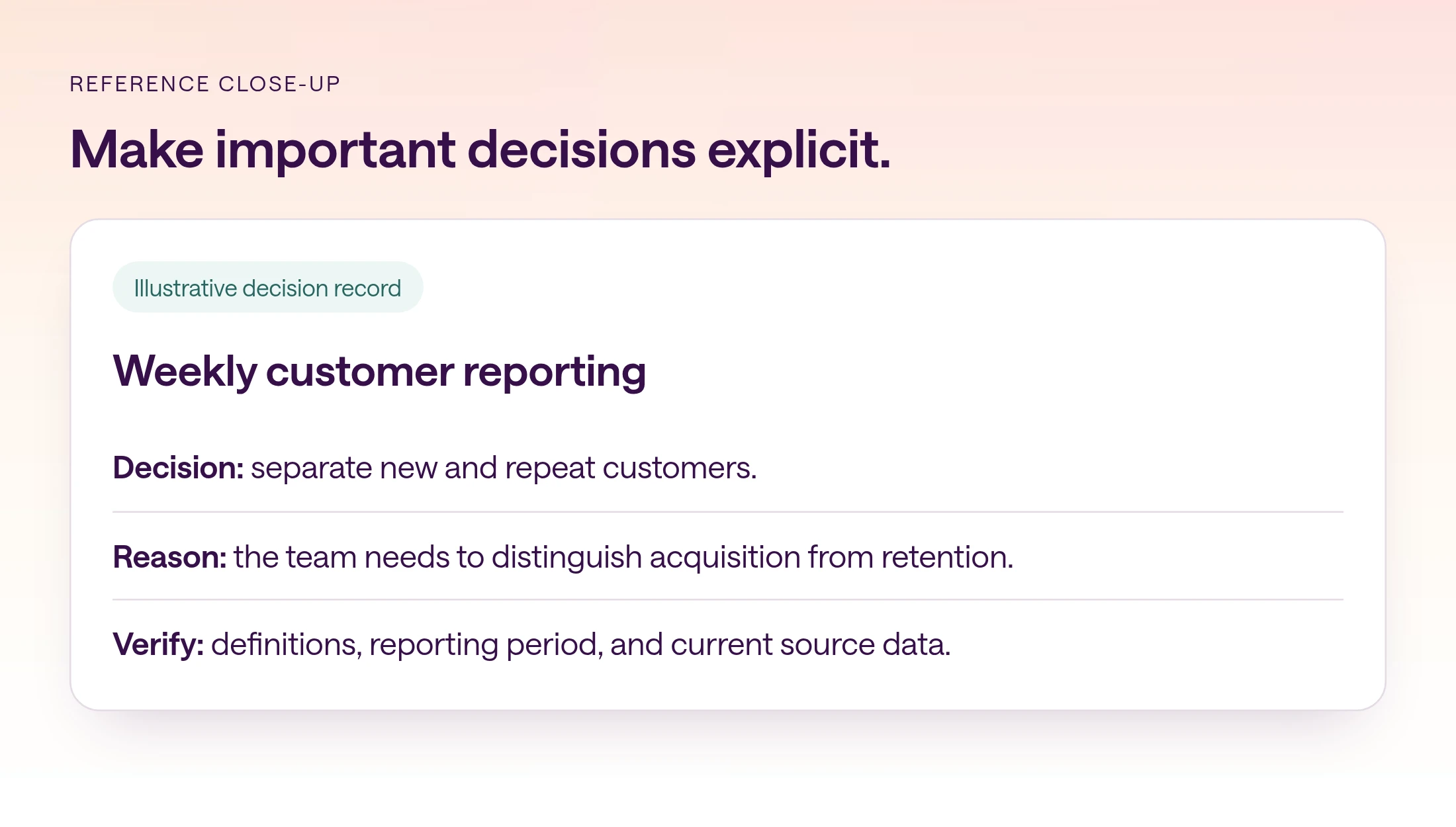
For the new-versus-repeat customer example, define what counts as a first purchase and how refunds affect the calculation. Do not hide these choices in a long prompt history. If teams disagree about the definition, resolve the business question and update the reference before using AI to produce another report.
The illustrative reference below shows the shape of a useful record. Its fields are prompts for your team, not product settings or measured results. Keep actual values in your approved source and avoid including secrets, personal credentials, or private customer details merely to make the example feel complete.
Copyable decision record
Decision: [what the team agreed] Applies to: [team, workflow, and scope] Owner: [person responsible] Effective date: [date] Rule: [precise definition or instruction] Reason: [why this choice was made] Authoritative reference: [link] Review when: [condition or date] Historical examples illustrate the method; retrieve current figures from [source].
How do you test memory across conversations and teammates?
Evaluate whether relevant context carries forward, current facts are refreshed, and private information stays within its intended scope.
Choose one recurring task and one piece of context that matters to it. Keep the test narrow enough that you can tell whether the context was used correctly. Asking 'do you remember everything?' invites a fluent summary without a clear standard of success.
Use a new reporting period so the test also requires fresh data. Check whether the answer follows the agreed structure and whether its numbers come from that period. Ask for references for material definitions and claims. An answer that repeats the preference but copies last week's figures has failed the task.
Then have an authorized teammate try the workflow. Differences can reveal scope or access issues rather than poor memory. Do not test privacy by placing real sensitive information in an unnecessarily broad context. Use a harmless test detail and the correct access configuration.
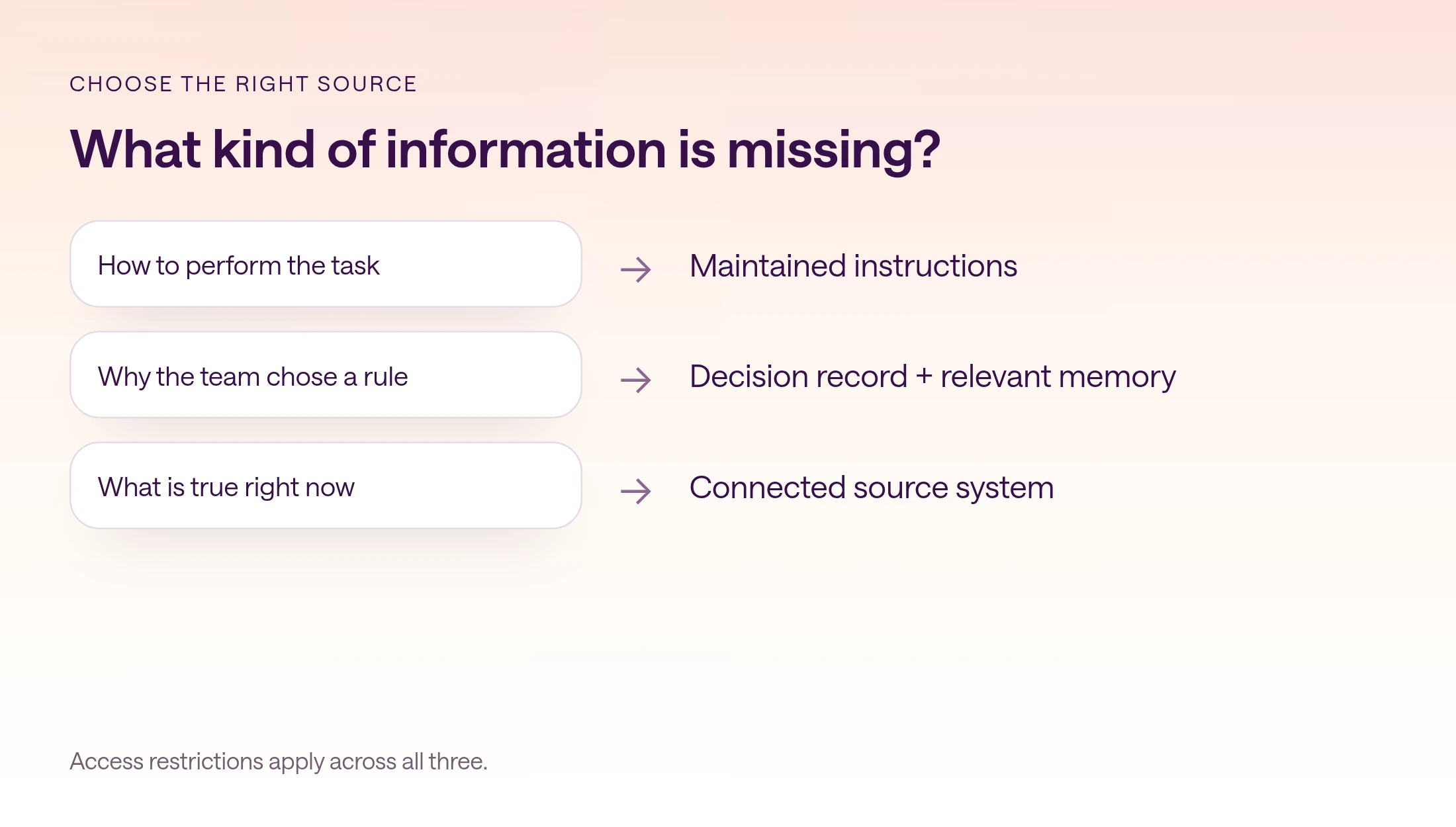
- 1
Choose a durable rule
Use a real reporting preference and save its explicit definition in a shared reference.
- 2
Start new work
Begin a new conversation for a fresh period and ask for the same kind of report.
- 3
Inspect the evidence
Verify the rule and current figures separately. Note which context had to be supplied again.
- 4
Try a second teammate
Confirm that the intended collaborator can use the relevant context and sources.
- 5
Record the result
Save the observed behavior, missing context, and required correction. Do not infer complete recall from one successful answer.
What does type.com remember?
type.com selectively creates and updates memory from eligible activity in the background, then retrieves relevant context for Type-managed AI when new work starts.
type.com can preserve team preferences, project context, decisions, and recurring workflow patterns. Memory is selective; it is not a complete transcript. An eligible thread must be idle and useful enough to produce a saved memory. Do not assume that a sentence becomes available everywhere immediately after you write it.
Memory is read-only in the current type.com UI. You can view saved memory, but type.com creates and updates it in the background. Space memory helps work in one Space. Workspace memory can draw on public workspace activity when the feature is enabled. User-specific memory can provide context tied to the person who starts the work.
type.com does not move private Sidekick or private-thread context into workspace memory. Relevant memory is chosen based on the workspace, Space, and person. OpenClaw activity can contribute eligible memory, but type.com does not currently serve that memory back to OpenClaw during a turn. Those limits matter when evaluating a workflow across different agents.
| Documented behavior | Practical implication |
|---|---|
| Selective background creation | Keep essential rules in an explicit reference |
| Read-only memory UI | Do not design a process around manually editing memory |
| Space, workspace, and personal context | Test with the actual people and scope |
| Private context excluded from workspace memory | Preserve private work in its intended boundary |
| Memory not served back to OpenClaw during turns | Test OpenClaw separately from Type-managed AI |
How do you choose the right access scope?
A shared memory workflow must respect Space membership, private threads, item sharing, and connected-service permissions.
Spaces control who can find and join an area of work in type.com. Channels organize that work but are not separate permission boundaries. A private thread can be narrower than its Space, while documents and apps have their own sharing controls. The place something was created does not fully determine who can access it.
Connections are assigned to the Spaces that need them, and the underlying service may impose its own permissions. AI acts with the effective access available to the person and conversation that initiated the work. A remembered reference to a source is not a grant of access to that source.
Review the intended audience of both the context and the output. For example, a general reporting convention may be appropriate for a whole team, while a specific customer account review belongs with a smaller group. Design that distinction before running the memory test, not after the output is shared.
How do you diagnose missing context or stale answers?
Separate missing memory, stale facts, conflicting instructions, and unavailable sources so each problem gets the right correction.
If a preference is missing, supply the explicit reference and check whether the earlier activity was eligible and in the appropriate scope. If a number is stale, retrieve the live source. If the output follows an old process, clarify which maintained instruction is current. These are different repair actions.
When newer information conflicts with remembered context, make the conflict visible. Ask the agent to identify which reference supports each version, then have the responsible person resolve the rule. Do not ask it to merge contradictory definitions into an apparently confident answer.
Track repeated explanation alongside factual accuracy. A workflow that requires less context but produces more stale claims is not an improvement. Use a small review log linked to real runs: what carried forward, what was retrieved, what was corrected, and what still required a person. The product demonstration below is a fictional conversation, not a customer benchmark or proof of automatic memory recall.
Copyable fresh-data check
Prepare [report] for [period]. Use the current definitions in [reference]. Use relevant prior context to avoid repeating background, but verify changing facts in [source]. If remembered context conflicts with the reference or current data, show the conflict. Do not silently resolve it. Link material claims to evidence and list any missing inputs.
Where should a team start with shared AI memory?
A useful first outcome is less repeated explanation without losing current, verifiable work.
Choose a weekly report, account review, or project update. Document its rules, keep source data available, and record the decisions that will matter next time. Run a new conversation and a teammate's handoff before expanding the process.
Memory works best as one part of that system. Maintained instructions describe the job, decision records preserve its rationale, connected sources supply current facts, and people settle the questions that remain. Review those parts together when the team's process changes.
Frequently asked questions
What is shared AI memory?
Shared AI memory carries useful context, such as team preferences, decisions, and project background, into later work. It should complement explicit references and current source data.
Should memory store current revenue or campaign spend?
Do not rely on memory as the source of truth for changing numbers. Retrieve those figures from the current source and use memory for relevant background or preferences.
Can I edit type.com memory manually?
Memory is read-only in the current type.com UI. type.com creates and updates it in the background. Keep critical rules in an explicit maintained reference.
Does type.com remember every conversation?
No. Memory is selective and generated from eligible activity. An eligible thread must be idle and useful enough to produce a saved memory; immediate or complete recall is not guaranteed.
Does private context become workspace memory?
type.com does not move private Sidekick or private-thread context into workspace memory. Relevant context and source access still depend on the workspace, Space, person, and sharing rules.
Does OpenClaw use type.com memory during a turn?
Not currently. Eligible OpenClaw activity can contribute to memory, but type.com does not currently serve that saved memory back to OpenClaw during turns.