Review before action
Human in the loop: AI agent approval workflows
Prepare a concrete action for review, pause the agent until a person decides, and verify what happened after an approved change.
What is an AI agent approval workflow?
An AI agent approval workflow lets a person review a specific proposed action before it happens, with enough detail to understand the target, change, evidence, and scope.
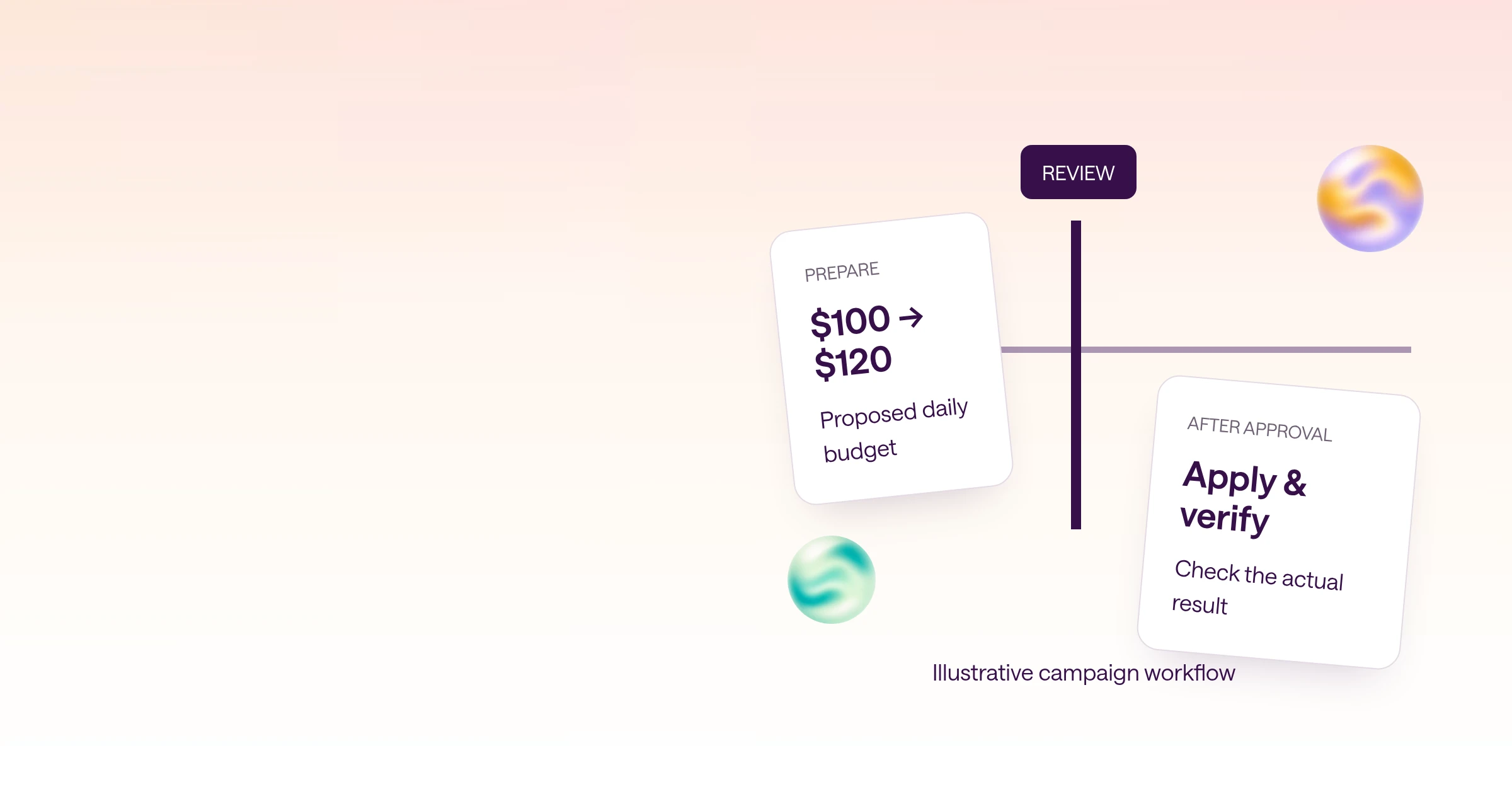
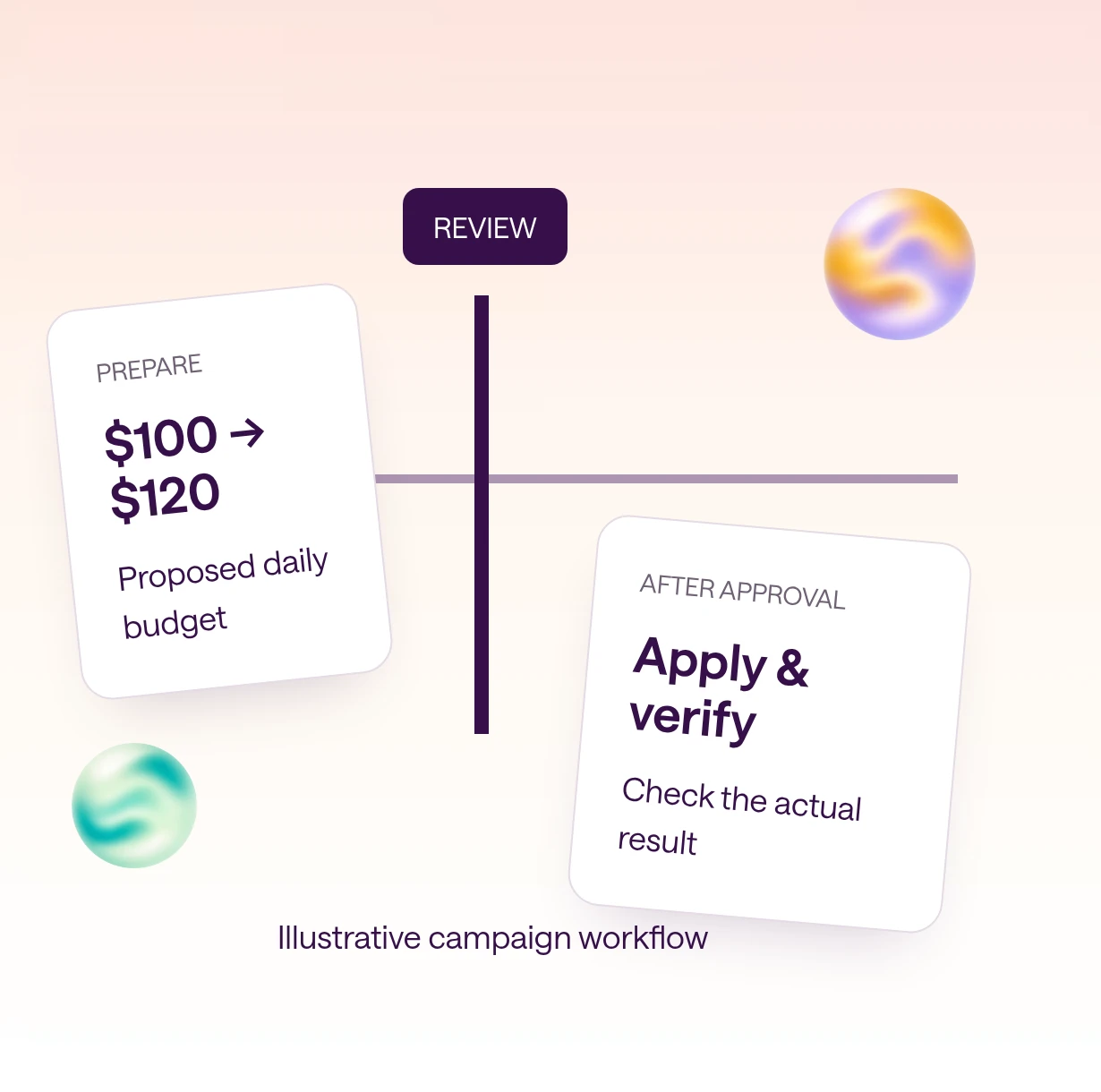
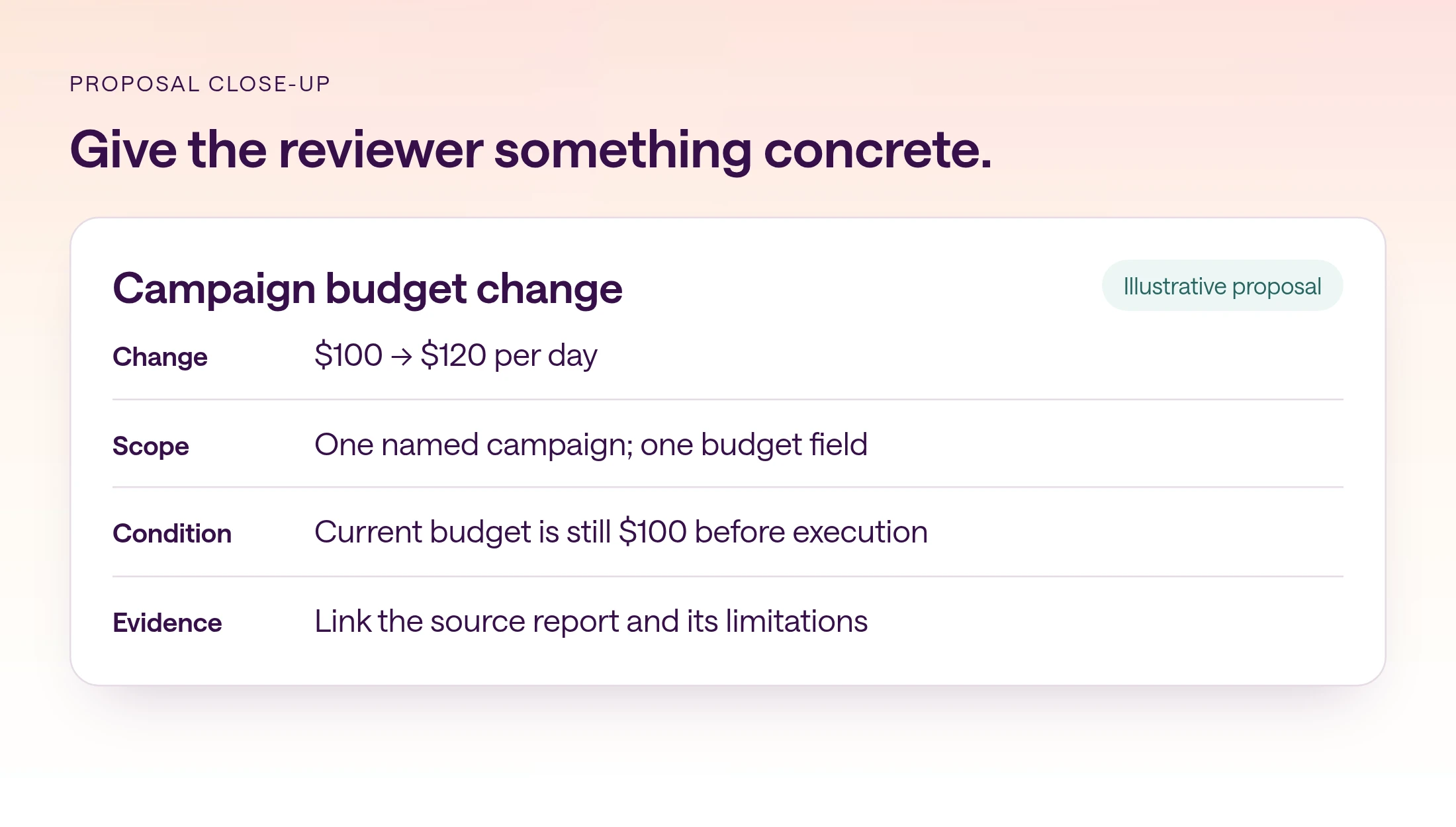
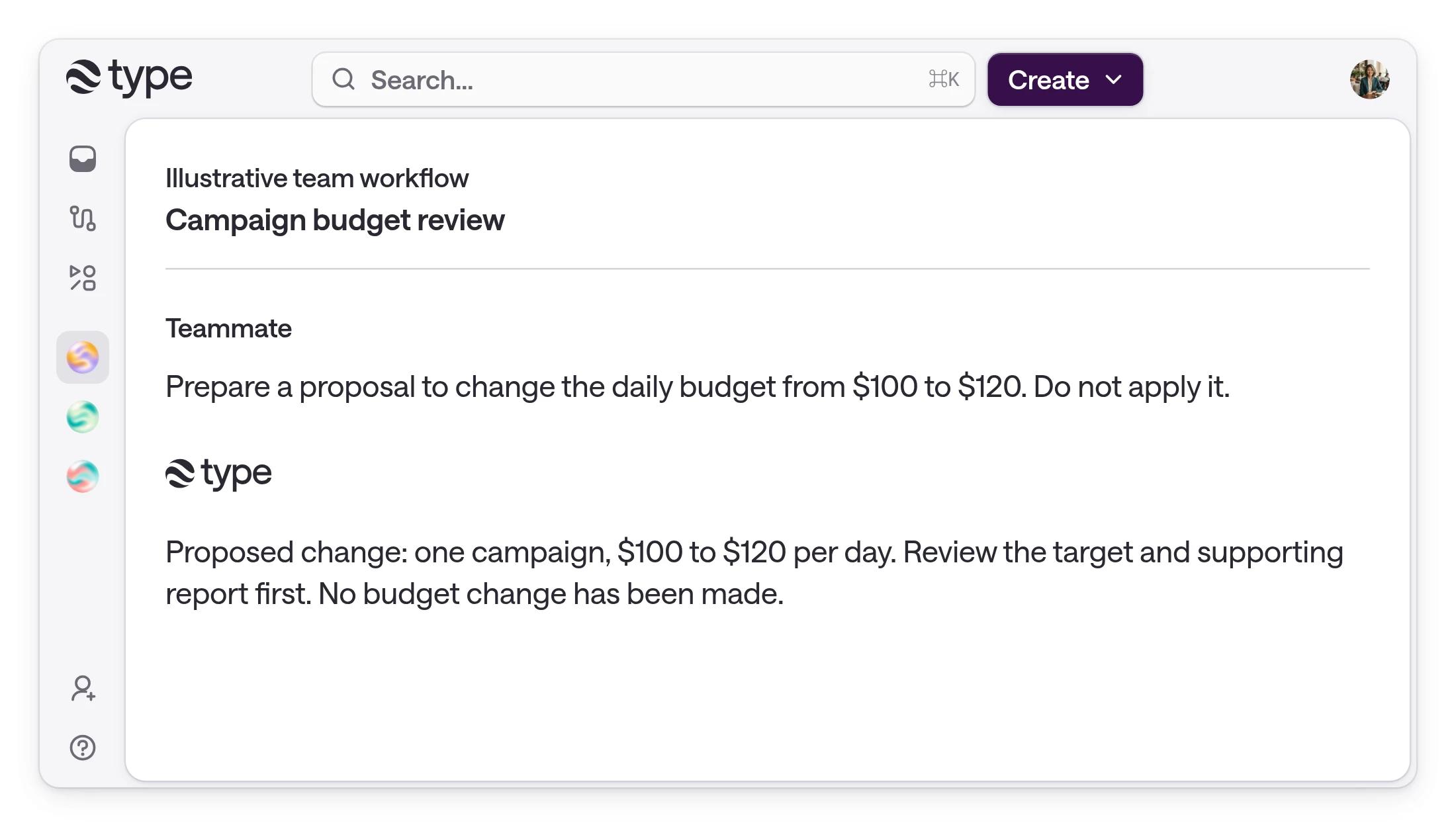
'Should I continue?' is hard to assess. 'Review this proposed campaign budget change from $100 to $120 per day' gives a reviewer something concrete to decide. The amount is only part of the proposal: the reviewer also needs the account, campaign, timing, reason, and conditions under which it should proceed.
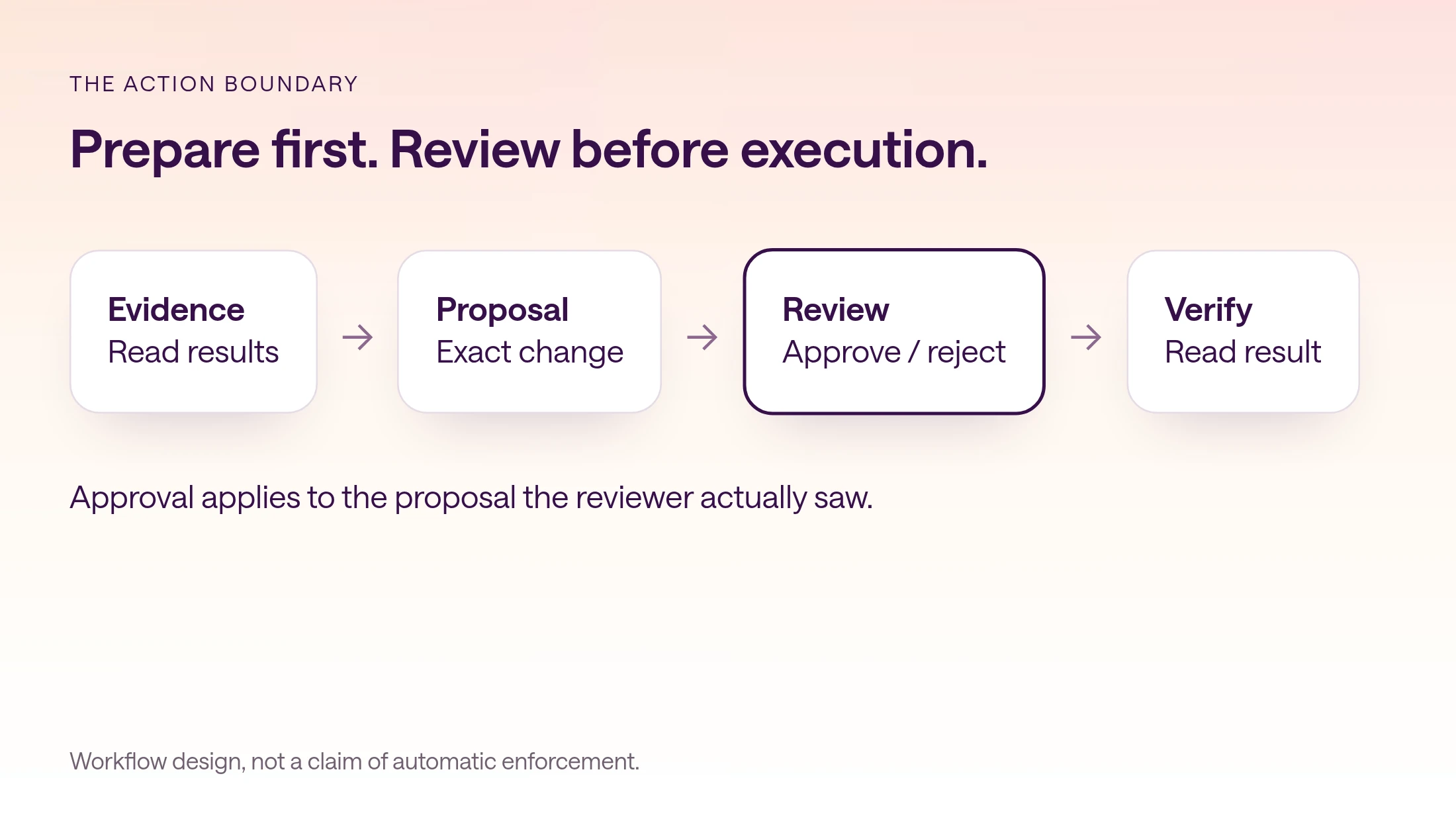
Put review at the action boundary. Let the agent gather evidence and prepare the proposed change first. Ask for a decision when the work is concrete enough to judge and before the action takes effect. Repeated permission questions during ordinary analysis can create noise without making the eventual decision clearer.
This guide offers a workflow design and evaluation checklist for business teams. Its examples are illustrative. They are not a claim that type.com or every agent platform automatically enforces each control. Test the actual tool, access configuration, and failure paths you plan to use.
What does human in the loop mean for AI agents?
Human in the loop means the agent stops at a defined point and waits for a person to approve, edit, or reject its next action. Every major agent framework now has a mechanism for that pause; what differs is how the pause is triggered and whether it survives a restart.
NIST's AI glossary sorts systems into human-in-the-loop, human-on-the-loop, and human-out-of-the-loop by how meaningfully people are involved. For agents, the useful version is narrow: a person decides on a specific action, such as a refund, an email to a customer, or a CRM update, before it takes effect, rather than supervising everything the agent reads.
The mechanisms look different but share a shape: mark a tool or step as needing approval, pause, show the pending action to a person, and resume with the decision. LangGraph interrupts save graph state and wait indefinitely, and the OpenAI Agents SDK surfaces pending approvals as interruptions that you can serialize and resume later. The table compares how the major options pause and resume, from each vendor's documentation.
Durability is the detail to check. A review often takes hours, so a pause that lives only in a running process will be lost on the next deploy. Persist the paused state, record who approved, and make sure an approval can't be replayed against a different proposal.
In type.com, published apps ask for confirmation before any action that can delete data or change data through a person's connected account, and agent runs in threads can wait for a person's approval or answer, which you can also review from the command line with type-cli approvals. Code automations can also start from a Slack reaction, so a ✅ on a proposal can kick off the approved step.
| Framework | How it pauses | How it resumes | Survives a restart? |
|---|---|---|---|
| LangGraph | interrupt() inside a node | Re-invoke the graph with Command(resume=...) on the same thread | Yes, with a persistent checkpointer; the node reruns from its start |
| OpenAI Agents SDK | needs_approval on a tool; pending calls appear as interruptions | state.approve() or state.reject(), then run again | Yes, by storing RunState, which you must authenticate yourself |
| Claude Agent SDK | The canUseTool callback holds execution | Return allow or deny | Only while the process waits, or with a deferred tool call in -p mode |
| Claude Managed Agents | An always_ask permission policy sets the session to requires_action | Send user.tool_confirmation with allow or deny | Yes; the session waits server-side |
| Google ADK | Tool confirmation, marked experimental | Send a FunctionResponse with the decision | Not with ADK's database or Vertex AI session services |
| Microsoft Agent Framework | A request port or an approval-required tool | Provide the external response | Yes, with checkpoints in file or Cosmos DB storage |
| Temporal | The workflow waits on a signal or update | Send the signal | Yes; waits can last days without using compute |
| n8n | Human review on a tool, or a Wait node | Approve or deny in chat, Slack, email, and other channels | Wait nodes over 65 seconds offload to the database |
| Zapier | Human in the Loop's Request Approval action | A reviewer approves, declines, or edits | Waits until a timeout you set, then skips or ends the run |
Which agent actions should require review?
Define the permitted work and the review boundary before the agent begins, especially when actions affect other people, money, or external records.
Separate gathering evidence, preparing an output, and applying a change. A campaign analysis may be read-only. A proposed budget adjustment is a draft. Updating the budget changes the external account. A team can permit the first two while reserving the third for a named reviewer.
Make that scope specific to the workflow. 'Ask before important changes' leaves importance undefined. Describe the target systems, allowed actions, exclusions, and the person responsible for decisions. Start with one narrow operation so its effect and verification are easy to observe.
If a task creates several proposals, decide whether review is item-by-item or for a defined batch. A batch request should enumerate its members and limits. Permission to change one campaign is not permission to adjust every campaign that looks similar after the agent has started acting.
| Stage | Example | Review expectation |
|---|---|---|
| Analyze | Read agreed campaign performance data | Stay within authorized read access |
| Prepare | Draft one budget change with evidence | Make the exact target and change visible |
| Approve | Reviewer accepts the specific proposal | Record the version and conditions |
| Execute | Apply the authorized change | Stay within the approved scope |
| Verify | Read the destination state | Report observed success, failure, or uncertainty |
What makes an approval request reviewable?
An approval packet should show the exact target, current and proposed states, evidence, scope, conditions, and verification plan.
Use identifiers alongside readable names when similar records exist. 'Spring campaign' may refer to several accounts. A reviewer should be able to open the intended destination and compare the proposal with its current state. Give the reporting period and limitations behind the recommendation, not just its conclusion.
Show what remains uncertain. Perhaps revenue attribution is incomplete or a promotion ends tomorrow. Those facts can change whether a budget increase makes sense. The approval packet should help a person exercise judgment rather than push them toward an apparently inevitable yes.
Treat the proposal as a versioned object in your workflow design. If the target, amount, recipient, or material conditions change, the reviewer should see the revised proposal. An approval is only meaningful when it refers to the work that will actually be performed.
| Field | What to show |
|---|---|
| Target | Account, record identifier, readable name, destination link |
| Change | Current value and exact proposed value |
| Reason | Evidence, period, assumptions, and limitations |
| Scope | One action or an enumerated batch |
| Conditions | Facts that must still hold before execution |
| Verification | How the resulting state will be checked |
| Recovery | What happens on failure or an uncertain outcome |
How do you design a workflow from evidence to verification?
Use a clear sequence that prepares the work, captures a specific decision, checks conditions, acts within scope, and verifies the result.
The campaign example below is deliberately narrow: one proposed budget change and one accountable reviewer. The analysis does not assume that a higher budget is the right answer. It prepares the evidence and states the reason for the recommendation so the reviewer can reject it or ask for a revision.
Keep the approved proposal available to the execution step. The tool should receive the intended account, record, and value rather than reconstructing them from an informal summary. How a platform stores and enforces that relationship is a capability to demonstrate, not something a well-written prompt proves.
Define the completion message in advance. It should state what was approved, what was attempted, and what the destination now shows. If verification is unavailable, report that uncertainty. Do not turn a successful tool request into a claim that the business outcome has already improved.
- 1
Read the agreed evidence
Retrieve the relevant campaign results for the specified period and identify missing data.
- 2
Prepare the exact change
Name the account and campaign, show current and proposed budgets, and link supporting evidence.
- 3
Request the decision
Have an authorized reviewer approve, reject, or request a revised proposal.
- 4
Check the conditions
Confirm that the relevant destination state and assumptions still match the reviewed version.
- 5
Apply the approved action
Use the connected system within the authorized scope. Stop if the proposal no longer matches.
- 6
Verify the resulting state
Read back the destination and report the observed result or any unresolved uncertainty.
Copyable proposal brief
Analyze [target] using [sources] for [period]. Prepare a proposal only. Show: exact account and record; current state; proposed state; reason with evidence; limitations; conditions to recheck; verification plan. Do not apply changes or send messages. Present the proposal to [reviewer]. If the proposal changes after review, present the revised version before execution. After any separately authorized action, inspect the destination and report the observed state. If the result is uncertain, do not blindly retry.
Which approval failure paths should you test?
A useful evaluation includes the paths where the action should stop, not only the path where someone approves it.
Start with rejection and no response. The demonstration should show that the proposed external action does not happen in either case. If the reviewer requests a different amount, verify that the revised proposal replaces the original and receives the appropriate decision before execution.
Next, change the destination while review is pending. Another teammate may have already edited the campaign budget. The workflow should detect the changed state and reconsider the proposal rather than overwrite it with a now-stale assumption. Choose the exact conditions that matter for your operation.
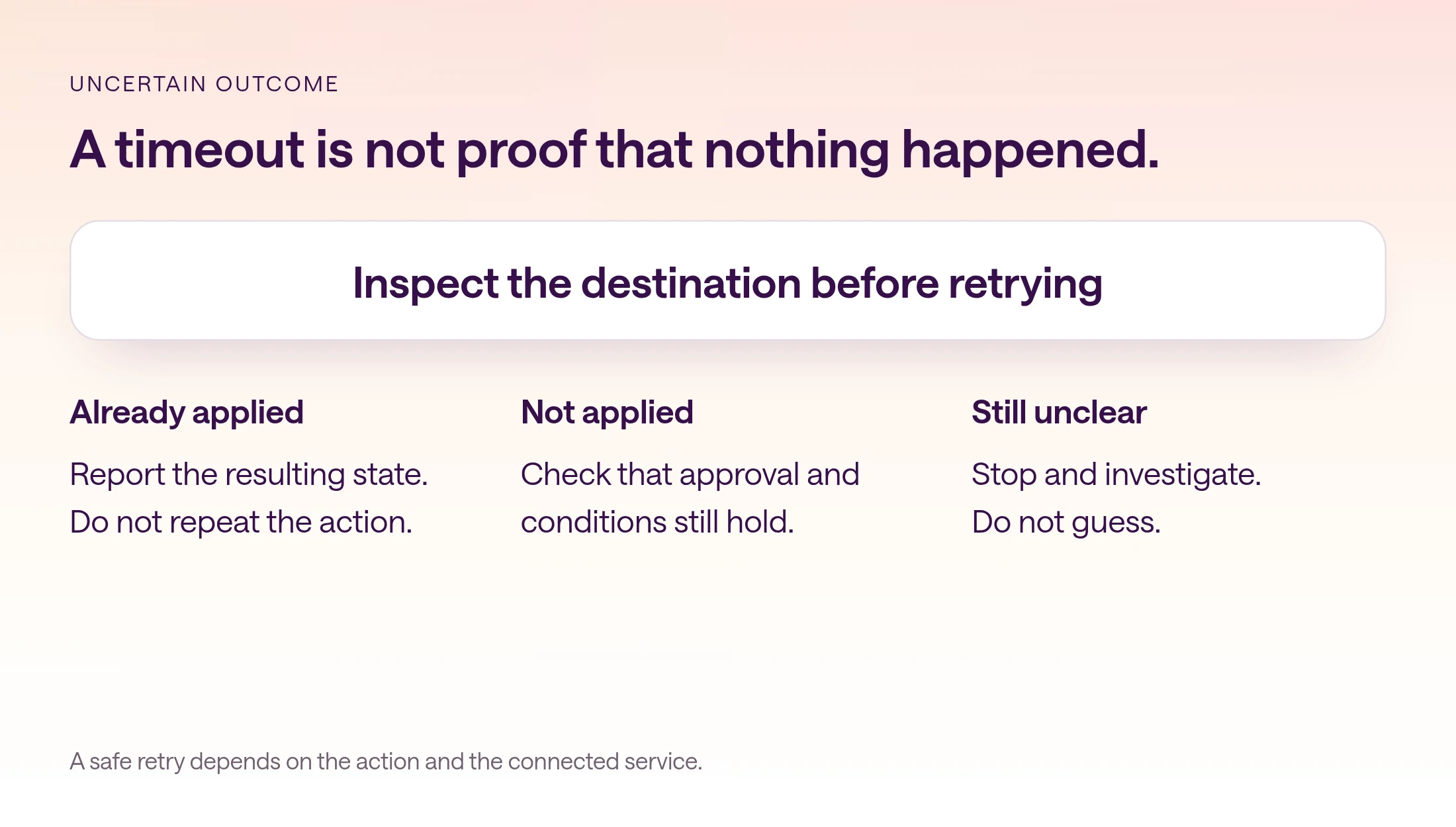
Finally, simulate an uncertain tool outcome. A timeout can happen after a destination accepted the action. Inspect the destination before retrying. For operations such as sending a message or creating a record, an unexamined retry can produce a duplicate. Where the integration supports an idempotency mechanism, test it; do not assume every tool has one.
| Test | Expected evidence |
|---|---|
| Reviewer rejects | No proposed action applied |
| No response | No execution based on silence |
| Reviewer lacks authority | Decision cannot authorize broader access |
| Proposal changes | Revised version presented for review |
| Destination changes | Relevant conditions rechecked before acting |
| Tool times out | Destination inspected before a retry |
| Verification fails | Outcome reported as unresolved, not successful |
How do permissions differ from approvals?
Permissions determine what a person or tool can access. Approval records whether an authorized person accepted a particular proposed action.
An account may have permission to edit a campaign without the current workflow having approval to make this edit. Conversely, a reviewer may like the proposal but lack the authority or service access required to execute it. A workflow needs both the relevant access and a valid decision for the intended action.
A written instruction to ask first is not proof of an enforced approval gate. During evaluation, ask where execution is blocked, which identity can authorize it, and what happens if the agent tries to call the write tool without a decision. Inspect the actual behavior rather than relying on the wording of the instruction.
In type.com, Spaces control access to an area of work, while documents, apps, private threads, and connected services can have narrower permissions. AI acts with the effective access available to the person and conversation that started the work. Use that documented access model as the starting point, then test the exact tool and workflow.
What should the final action record show?
The final record should connect the reviewed proposal to the action attempted and the state verified afterward.
Keep enough detail for someone who was not present to understand what happened. Include the target, approved version, reviewer decision, relevant preconditions, execution outcome, and verification evidence. Use the destination's own record or activity history where available.
Separate technical completion from business impact. A verified budget update confirms the setting changed. It does not prove the campaign became more profitable. Evaluate that later with a defined period and the relevant performance data. Keeping those claims separate prevents the result message from becoming an unsupported success story.
Review the first few runs before expanding the workflow. Look for unclear proposals, repeated revisions, slow handoffs, and unresolved outcomes. Improve the weakest step before allowing larger batches or more consequential actions. The product demonstration below shows a fictional proposal conversation, not a real approval log or a product enforcement guarantee.
- Proposal: what exact change did the reviewer see?
- Decision: who accepted or rejected that version?
- Execution: what operation was actually attempted?
- Verification: what does the destination show now?
- Follow-up: what remains uncertain or needs a later business review?
How should you evaluate your first approval workflow?
Choose a narrow action, demonstrate the successful and failure paths, and expand only after the boundaries are understood.
Ask for a read-only analysis first, followed by a proposed change with its target and evidence. Inspect the tool activity and resulting state during the demonstration. Use a suitable test context for failure cases so evaluating the workflow does not create unwanted changes in live business systems.
Write down which controls the platform enforces and which still depend on team procedure. That distinction is useful when selecting a tool, onboarding reviewers, and deciding whether a workflow is ready for unattended preparation. A clear process can support good review; it should not be represented as a technical guarantee it does not provide.
Frequently asked questions
What is human in the loop for AI agents?
A design where an agent pauses at a defined point, usually before a consequential action, and waits for a person to approve, edit, or reject what it proposes. NIST's AI glossary distinguishes human-in-the-loop systems from human-on-the-loop and human-out-of-the-loop ones by how meaningfully people are involved.
What should an AI approval request include?
Show the exact target, current and proposed states, evidence, scope, conditions, and verification plan. The reviewer needs enough information to assess the specific action before it happens.
When should the agent ask for approval?
After it has prepared a concrete, reviewable proposal and before the action takes effect. Define the boundary in advance so ordinary analysis can proceed within its authorized scope.
Is asking first the same as an enforced approval gate?
No. An instruction describes expected behavior. An enforced gate blocks execution until its conditions are met. Ask the vendor to demonstrate the actual write-tool behavior and failure paths.
What if the proposal changes after approval?
Present the revised proposal for the appropriate review. The authorization should refer to the target, change, scope, and conditions the reviewer actually saw.
Should the agent retry a timed-out action?
Not blindly. A timeout can occur after the destination accepted the action. Inspect the destination and any available operation identifier before deciding whether a retry is safe.
Does this guide describe automatic controls in type.com?
This is an evaluation and workflow-design guide. type.com’s documented access model determines effective access, but the approval and enforcement behavior of each intended tool and workflow must be tested directly.