Reusable team work
How to stop duplicating AI work across your team
Turn useful AI work into a shared team workflow with reusable instructions, source data, ownership, and a practical handoff test.
How do you stop duplicating AI work?
Choose one recurring task and turn its instructions, inputs, definitions, example output, and ownership into a maintained workflow a second person can run.
Your team doesn't need everyone to write the same prompt better. It needs a way for one person's useful work to become something the next person can use. A prompt copied into a team document is a start. A workflow someone else can run with fresh data is the more useful handoff.
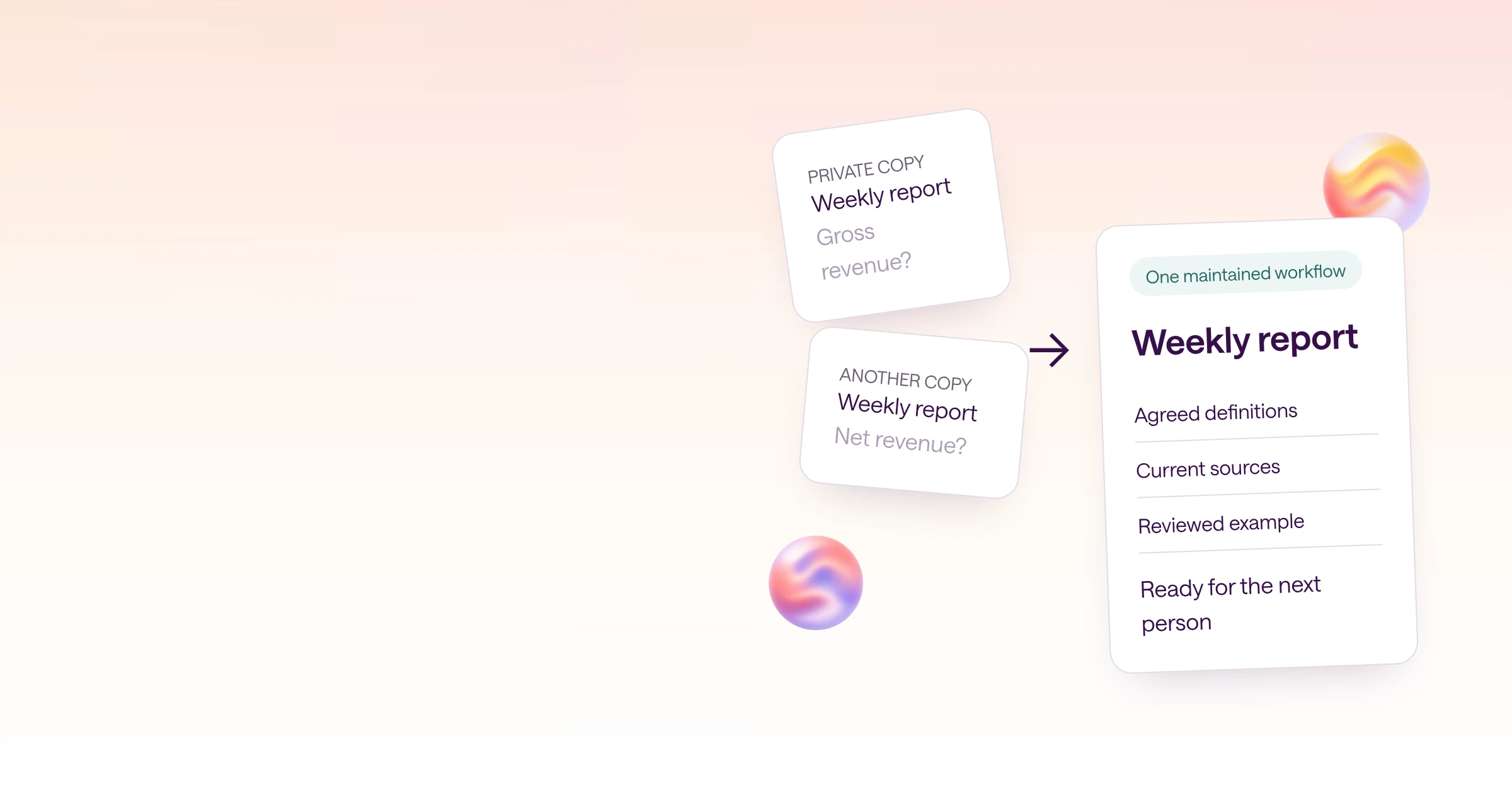
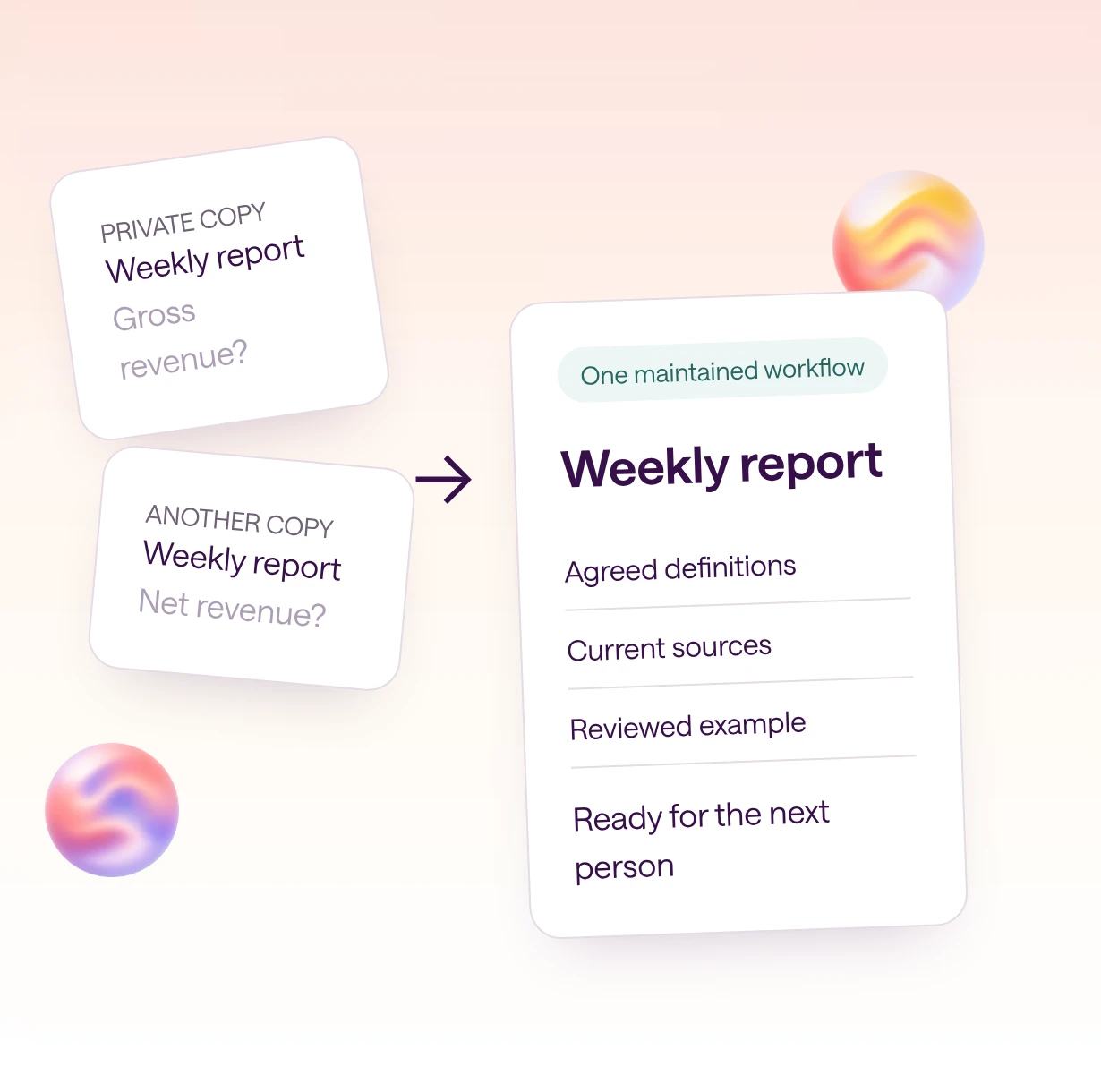
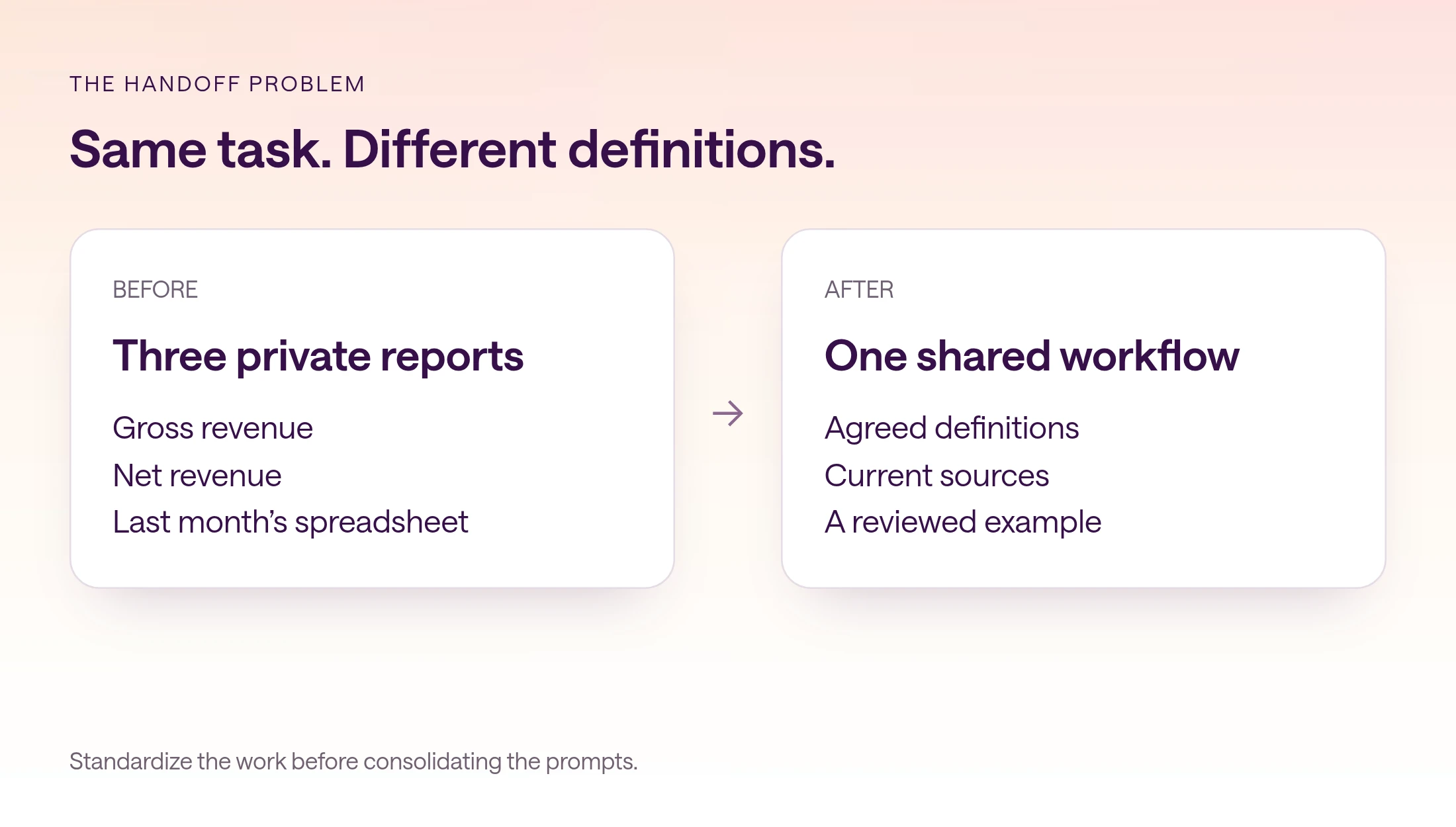
Consider an illustrative marketing team preparing a weekly performance report. Three people ask AI for a revenue summary. One uses gross sales, one excludes refunds, and one pastes last week's spreadsheet. They can all produce polished reports, but the numbers answer different questions. Combining their prompts will not resolve those differences.
Start by agreeing on the work: the period, source systems, definitions, and decisions the report supports. Then package the repeatable part. The objective is to reduce reconstruction while preserving judgment. A teammate should spend their time investigating a surprising result, not rediscovering which spreadsheet column counts as revenue.
Which repeated task should you standardize first?
Inventory outputs and setup steps, then choose a task that is frequent, useful, and narrow enough to test.
Ask three teammates to walk through the last time they completed the same recurring job. Ask them to show the inputs and corrections as well as the final answer. Useful differences tend to hide in those corrections: a timezone someone fixed, a customer segment someone excluded, or an old definition someone silently replaced.
Write down the time spent finding sources, explaining context, reviewing the output, and repairing errors. Do not turn this into a precise savings estimate without measurement. A short baseline from a few actual runs is more useful than a promise that every AI workflow saves hours.
Choose one task with a clear finish line. A weekly revenue explanation is easier to evaluate than 'help marketing use AI.' Start with a draft-only output. You can improve the evidence and the handoff before considering actions in external systems.
| Repeated work | Hidden setup | Useful finish line |
|---|---|---|
| Weekly performance report | Revenue definition, dates, source access | A sourced explanation of changes |
| Customer account review | Account identity, meeting notes, open issues | A factual brief for the next meeting |
| Launch email draft | Approved product facts, audience, voice | A reviewable draft with linked facts |
| Campaign change recommendation | Comparison window, spend rules, exclusions | A proposal for a named reviewer |
What should you save with a shared AI workflow?
Give each shared workflow a purpose, source contract, maintained instructions, example, owner, and review boundary.
A workflow needs enough information to survive without the original conversation. Describe which inputs are required and what to do when they are missing. 'Use the sales data' leaves too much unstated. Name the approved source and the reporting rules. Keep credentials out of the instructions.
Include a reviewed example, but distinguish its stable structure from its historical facts. The example teaches what a useful answer looks like. Its numbers are not current inputs. Put an explicit fresh-data requirement beside the example so copying it cannot become a shortcut to the wrong report.
Assign an owner who can resolve conflicting changes. Ownership does not mean only one person can contribute. It means the team knows who decides when one department needs a new variant, an old rule should be retired, or a suggested correction affects every future run.
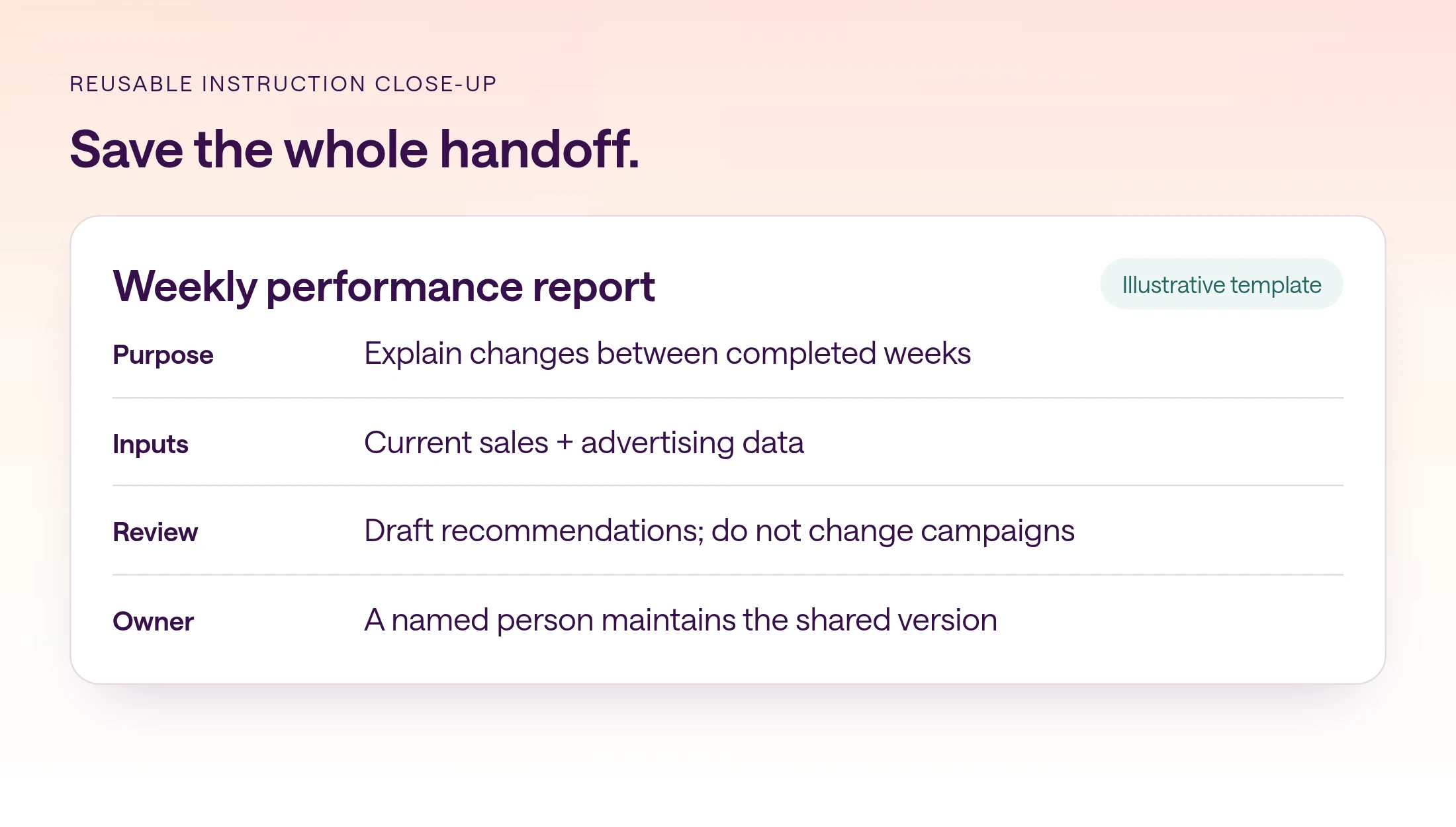
| Component | Example | Why it matters |
|---|---|---|
| Purpose | Explain weekly revenue changes | Keeps the output focused |
| Inputs | Current sales and ad data | Avoids stale pasted numbers |
| Definitions | Agreed net revenue and timezone | Makes runs comparable |
| Instructions | Compare, investigate, link evidence | Preserves the method |
| Example | Reviewed historical report | Shows the expected quality |
| Owner | Named marketing operations lead | Resolves changes |
| Review boundary | Draft recommendations only | Separates analysis from action |
How do you build the first maintained version?
Turn one successful run into explicit instructions, then remove any dependence on the builder's private context.
Start from a run the team considers useful. Work backward from each important statement: which source supported it, which definition shaped it, and which judgment required a person? Save the repeatable method. Leave subjective decisions visible as review points instead of pretending the prompt settles them.
The following prompt is a starting brief, not an automation configuration. Fill in the bracketed fields with your actual business rules. If you cannot fill in a field, that is a team decision to resolve before judging the AI's performance.
- 1
Capture the method
Save the source list, definitions, required output, and corrections from a successful run.
- 2
Remove private dependencies
Replace private files and unexplained abbreviations with references the intended teammates can access.
- 3
Set the boundary
Specify whether the workflow drafts, recommends, or acts. Keep the first version draft-only.
- 4
Assign ownership
Name who reviews proposed changes and where the maintained version lives.
Copyable workflow specification
Prepare a draft weekly performance report for [team]. Use [approved sources] for [reporting period and timezone]. Compare with [comparison period]. Apply these definitions: [revenue, refunds, customer segments, attribution]. Retrieve current data; examples are format references only. Explain the largest changes with linked evidence. Separate observed facts from hypotheses. If a source or definition is missing, identify the gap rather than inventing a value. Return: summary, comparison table, evidence, open questions, proposed next steps. Do not change campaigns or send messages. [Owner] reviews the draft and any proposed action.
How do you test whether a teammate can run it?
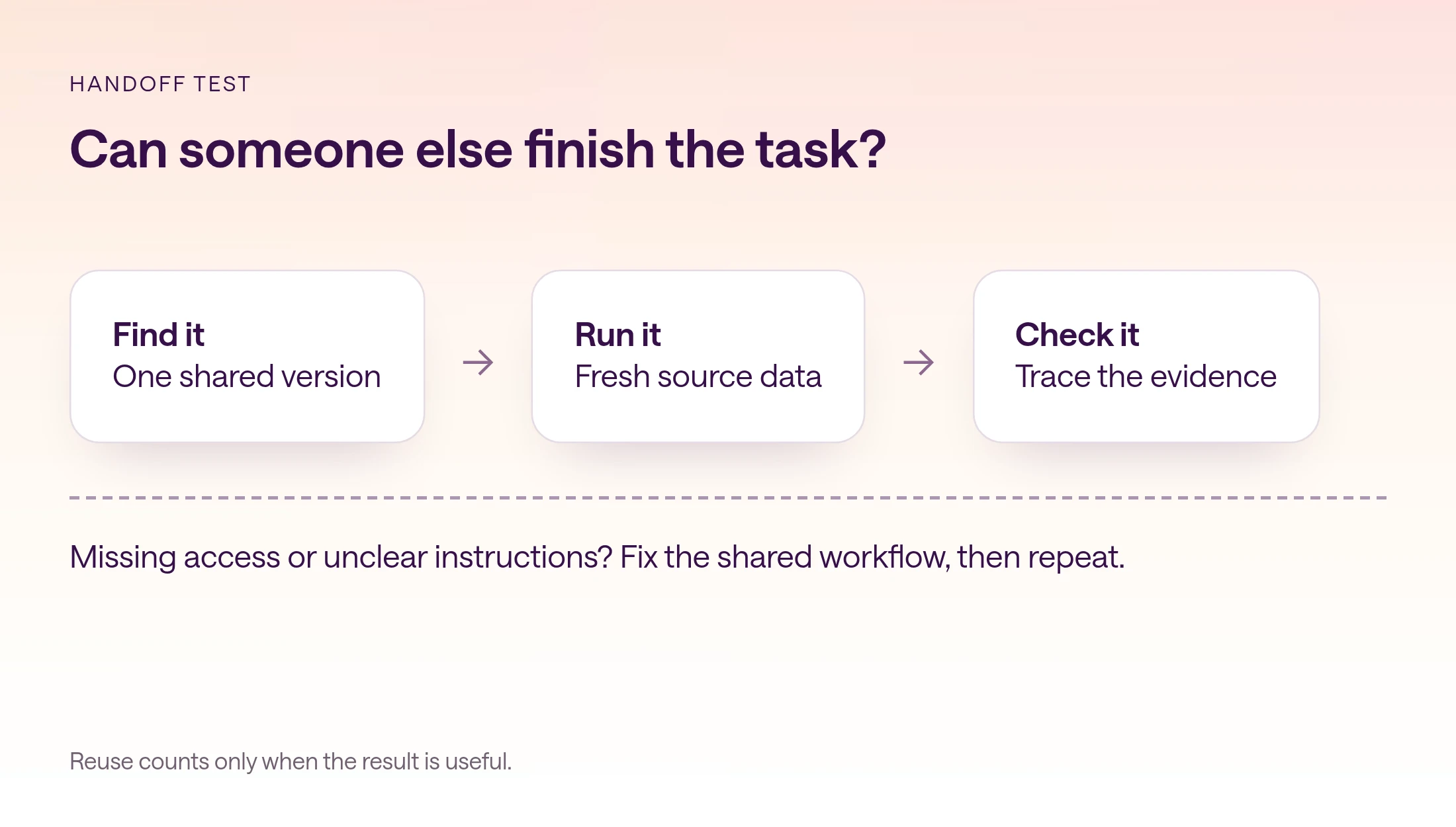
A second person should find the workflow, access its sources, and produce a reviewable result without being coached through missing steps.
Use fresh data and let the teammate work through the instructions. Observe the questions they have to ask. Each question reveals either missing documentation, missing access, or a judgment the workflow has not assigned. Fix the right layer. More prompt text will not repair an unavailable connection.
Check the output against the same review criteria used for the original. Can the reviewer trace a number to its source? Are the periods comparable? Are hypotheses labeled? Does the conclusion survive a change in who runs the task? A repeatable error is not a successful handoff.
Run one incomplete-input case too. Remove an optional source or use a period with missing data. A useful workflow should identify the gap and narrow its conclusions. If it silently substitutes an old figure, update both the instruction and the example before adding more users.
How do you measure reuse without sacrificing quality?
Track whether teammates can finish the task without the builder, and whether the resulting work meets the same quality standard.
Record a small set of observations for each run: who ran it, whether help was needed, what had to be corrected, and whether the output was accepted. If you measure time, use the same start and end points each time. Include review and correction time rather than counting only the seconds spent generating an answer.
Use those observations to decide the next edit. Repeated definition errors belong in the shared instructions. Missing evidence belongs in the source and output requirements. A new business question may deserve a separate workflow rather than another exception in the old one.
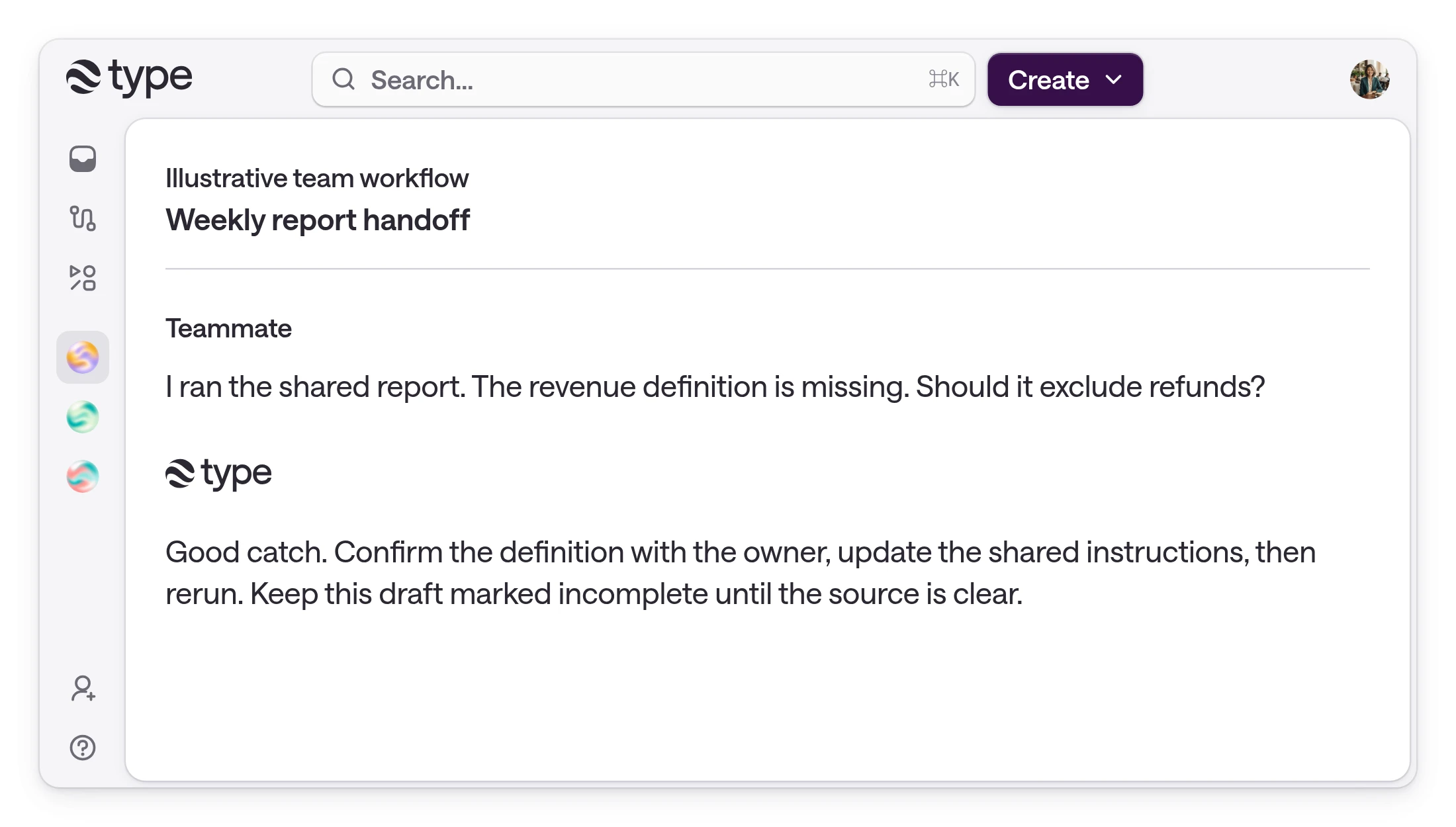
The product demonstration below shows a fictional handoff in which a missing definition is surfaced, not a customer outcome. Keep your own log linked to actual runs. After several successful handoffs, decide whether scheduling the workflow would help. Frequency alone is not a reason to automate an unclear process.
- Independent completion: could someone other than the builder finish?
- Evidence quality: could a reviewer verify the material claims?
- Maintenance: did a correction improve the shared version?
- Decision usefulness: did the report answer the question it was built for?
When should you update a workflow or create a separate version?
Update the shared version when the task stays the same. Create a separately named workflow when its audience, definitions, inputs, or review boundary materially differ.
Treat each meaningful change as a small handoff. Record what changed, why it changed, and who reviewed it. Keep a previous accepted example so the next run can be compared with the old standard. If the team changes its revenue definition, update the instructions, reference, and example together. Otherwise a teammate can follow the new prompt while checking the result against an obsolete template.
Before creating a new version for another department, ask whether the difference is an input or a different task. A different reporting period may be a field in the existing workflow. Different accounting rules or a separate approval owner may justify a distinct version. Name that distinction visibly, such as a client-specific reporting method, and make its owner responsible for maintaining it.
Avoid leaving both an old and new workflow available under nearly identical names. Mark the old version as superseded where your system allows, and point users to the maintained replacement. After a substantial change, repeat the second-person test with fresh data. A workflow that survived its original handoff can still become difficult to use as exceptions accumulate.
How can type.com help teams maintain shared AI workflows?
type.com skills package recurring instructions with supporting references and scripts, so a team can maintain the method alongside its shared work.
type.com at type.com is a shared workspace for team AI work. Teams can add skills to a Space and use them for recurring tasks. The workflow still needs the right sources and permissions. A shared instruction does not grant access to a connected system.
Keep one maintained skill for the common task. If a client or business unit needs a different revenue definition, make that variation explicit and assign an owner. Do not create a silent fork that looks identical to the original while answering a different question.
In type.com's published Raycon story, the team built 127 reusable skills and 26 unattended automations over three months. Those are Raycon's reported results, not a promised outcome for every team. Start with the smaller proof that matters to your organization: a colleague can complete one useful task without rebuilding it.
Read the Raycon customer story
For conversation handoffs, read how to share Claude work across your team
Frequently asked questions
What causes duplicated AI work?
Useful instructions, source context, and corrections often stay in private conversations. Teammates then rebuild the same setup. Different definitions and source access can also make apparently identical tasks diverge.
Is a shared prompt library enough?
A prompt library helps people find instructions. A runnable workflow also needs current inputs, agreed definitions, an example output, access, an owner, and review criteria.
Which workflow should we standardize first?
Choose a narrow recurring task that already produces useful work for one person. A draft report or account brief gives a second person a clear result to test without immediately making external changes.
How do we know a workflow is reusable?
Have someone who did not build it run it with fresh data without coaching. Check both independent completion and the accuracy, evidence, and usefulness of the result.
Should every team use the same version?
Keep a common version where the task and definitions match. Create an explicitly named, owned variation when a client or business unit needs materially different rules.
How does type.com help teams reuse AI work?
type.com skills package recurring instructions and supporting references or scripts in a shared workspace. Teams still need to configure appropriate access, maintain definitions, and review the outputs.